


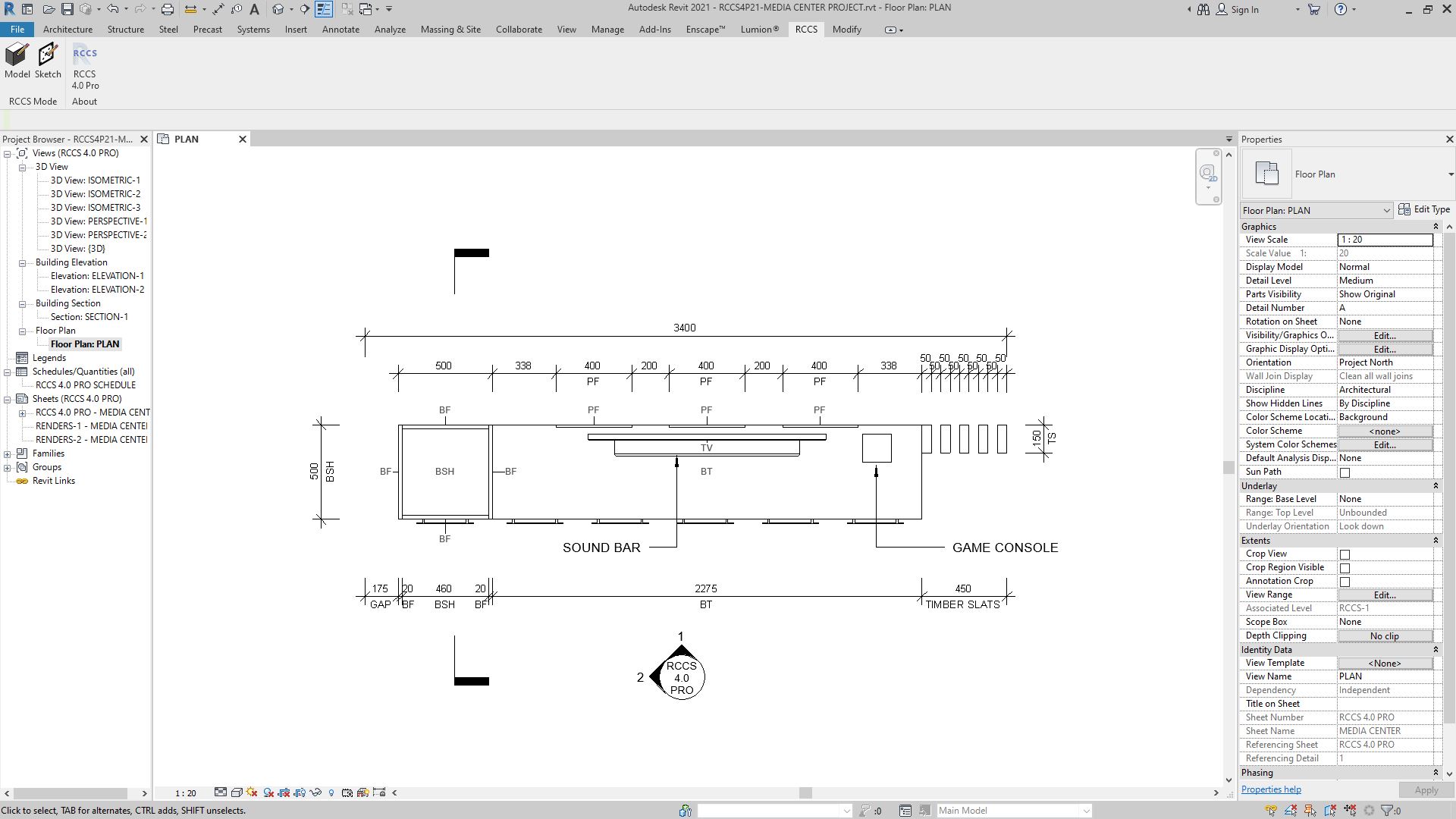
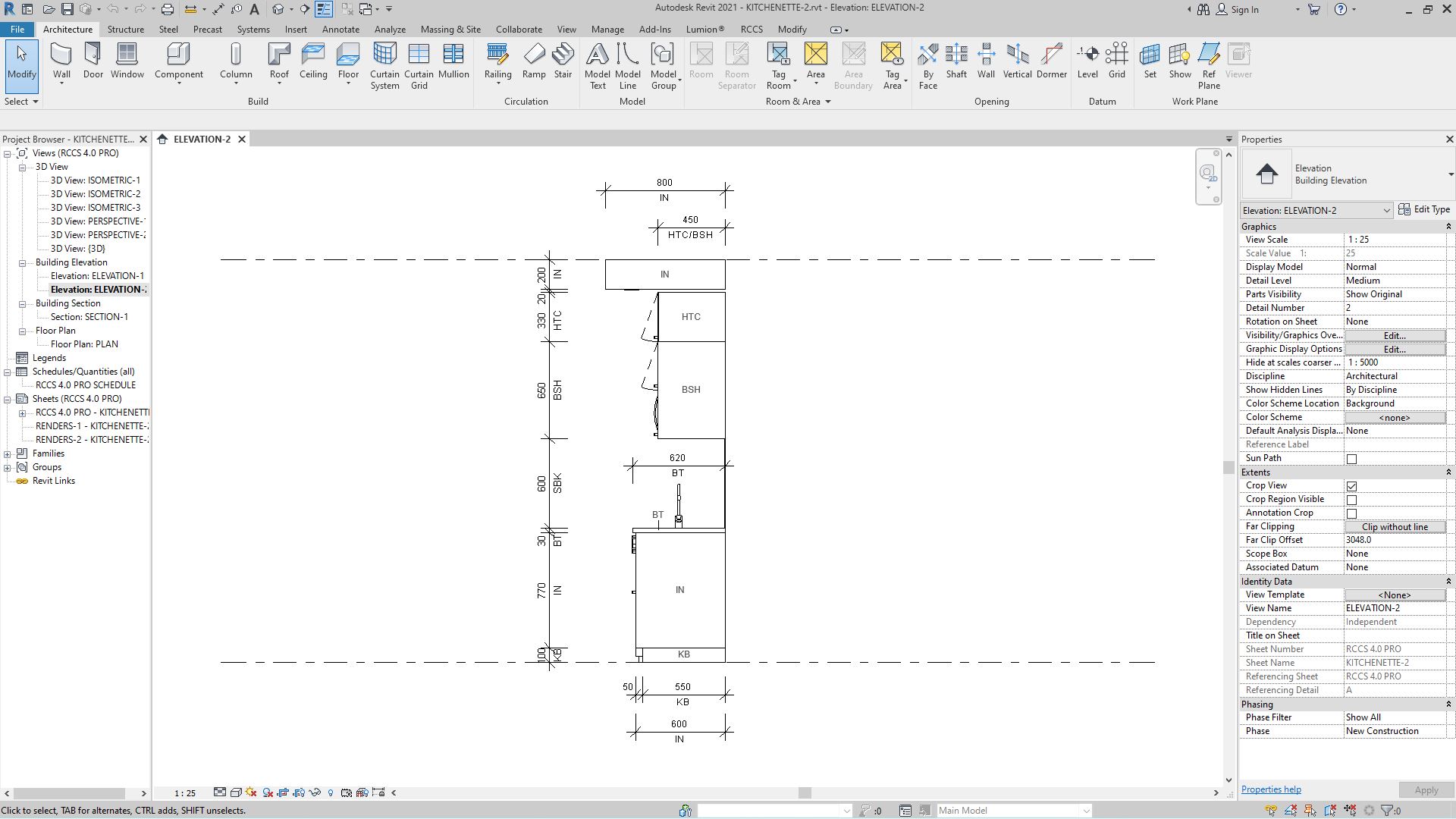
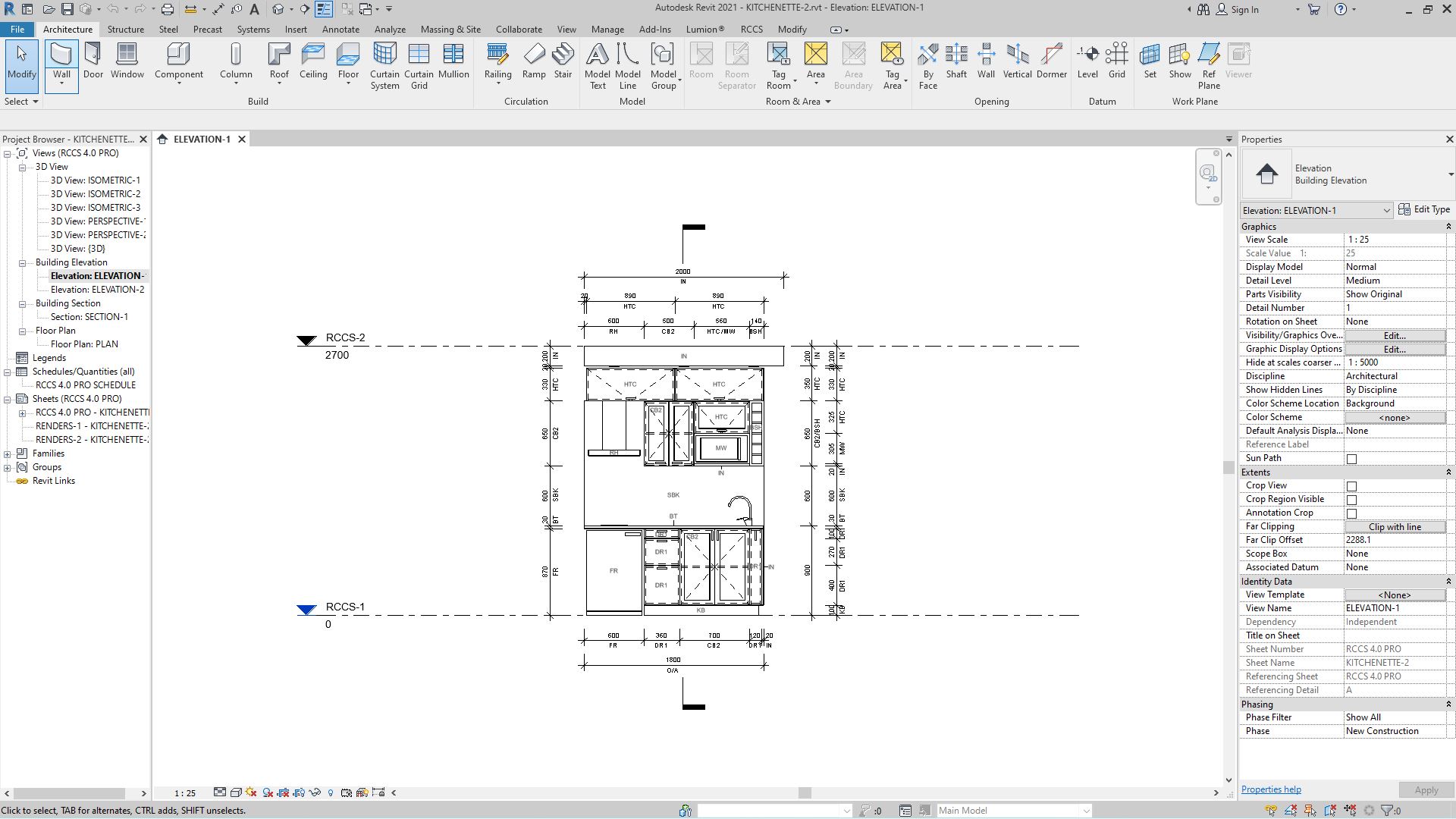

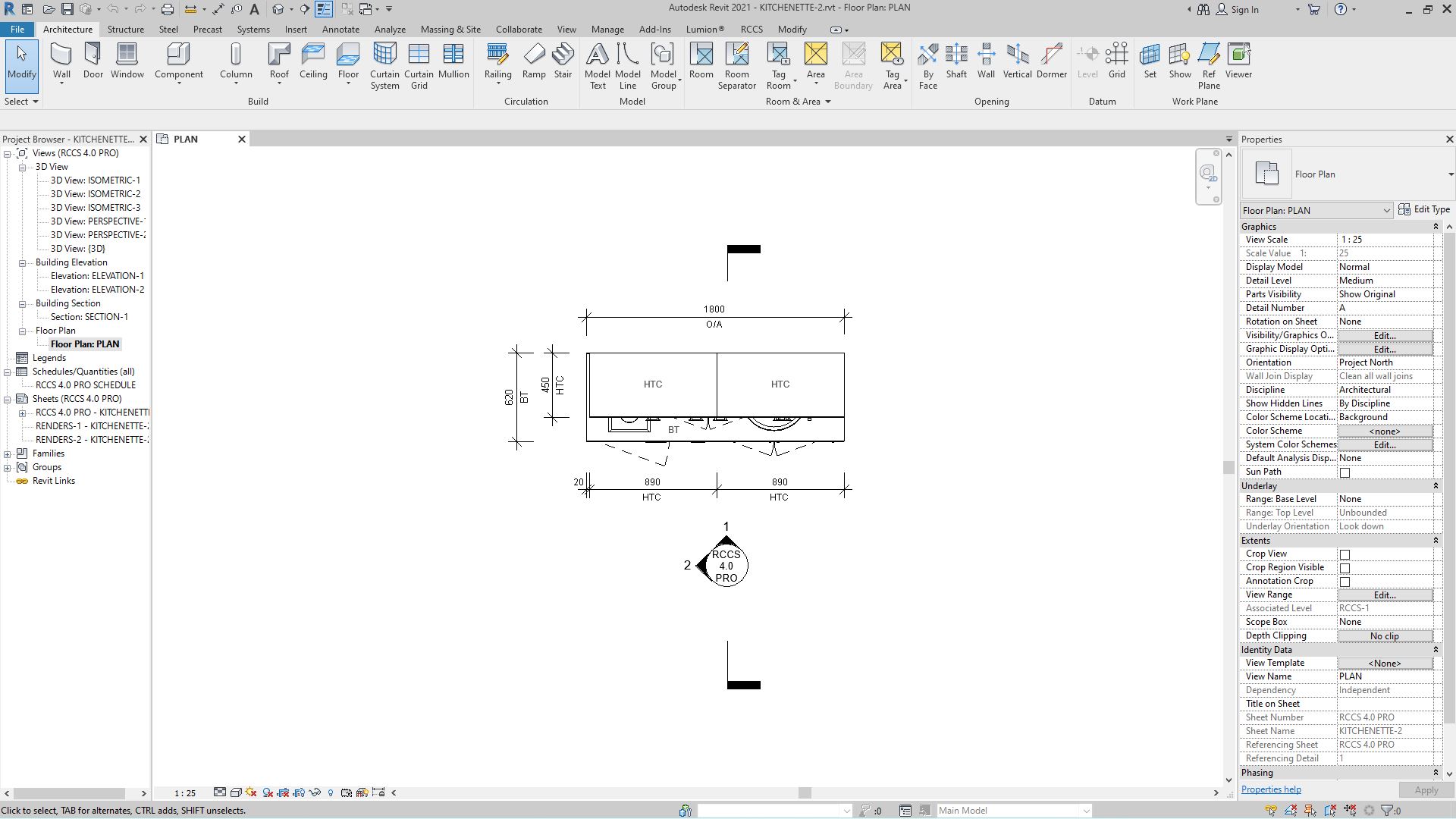
123-CABINETRY 27 for REVIT 2027
Original price was: $125.00.$49.00Current price is: $49.00.
Description
Realtime Custom Cabinetry System
123-CABINETRY 27
(This package is compatible with Revit 2027)
(THIS SOFTWARE DOES NOT WORK IN REVIT LT AT ALL – REVIT LT DOES NOT SUPPORT PLUGINS)

123-Cabinetry 27 is a fast, affordable cabinetry modeling system for Revit 2027, developed by Advanced BIM Systems and built on the same parametric engine that powers the full RCCS product family.
123-Cabinetry 27 is compatible with Revit 2027.
123-Cabinetry 27 is the entry-level product in the RCCS family — lightweight, affordable, and designed for designers who need clean cabinetry output without a steep learning curve. It shares the same curtain-wall-based parametric foundation as RCCS-27 Pro, but strips the interface down to the essentials: a three-step workflow, AI-driven layout generation, and a focused toolset built for modern cabinetry styles.
123-Cabinetry 27 uses a built-in AI system that reads your grid sketch, determines the cabinetry layout you intend, and automatically generates the 3D model. No component hunting, no manual placement, no family loading — just sketch, click, and build.
123-Cabinetry 27 follows a simple 3-step workflow:
- Create walls
- Add grids
- Make!
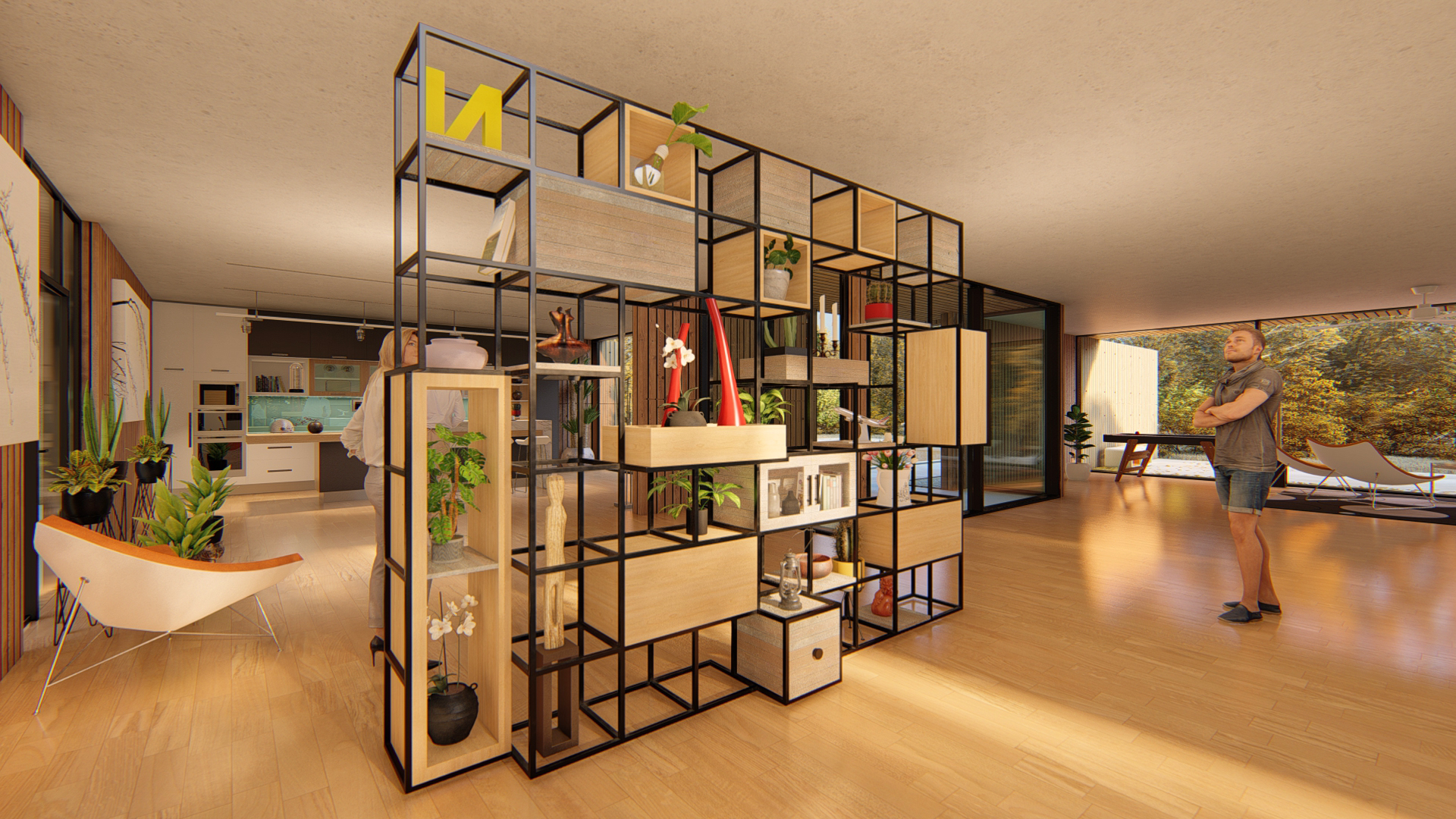
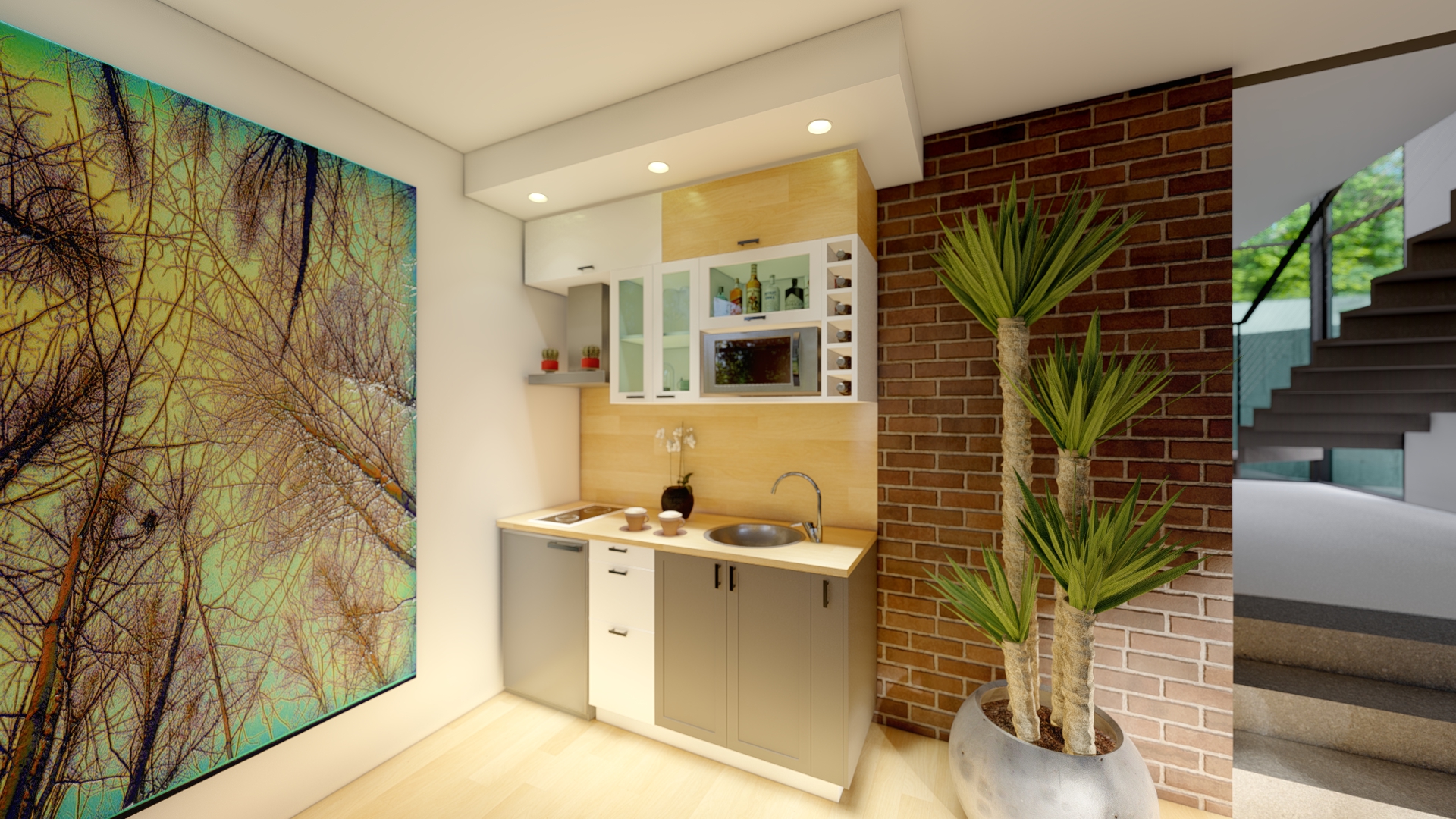
Create an infinite number of variations across these cabinetry types:
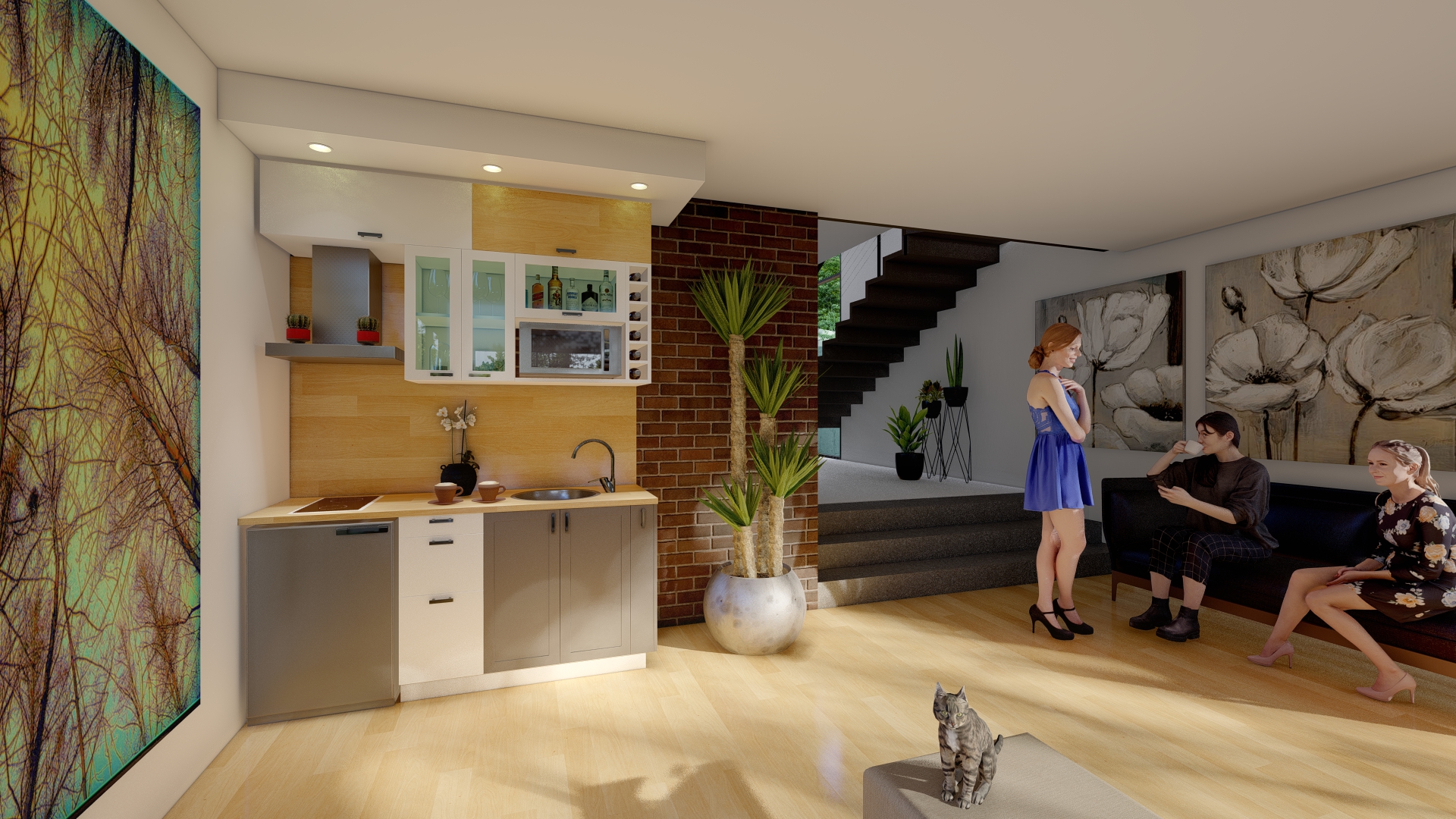
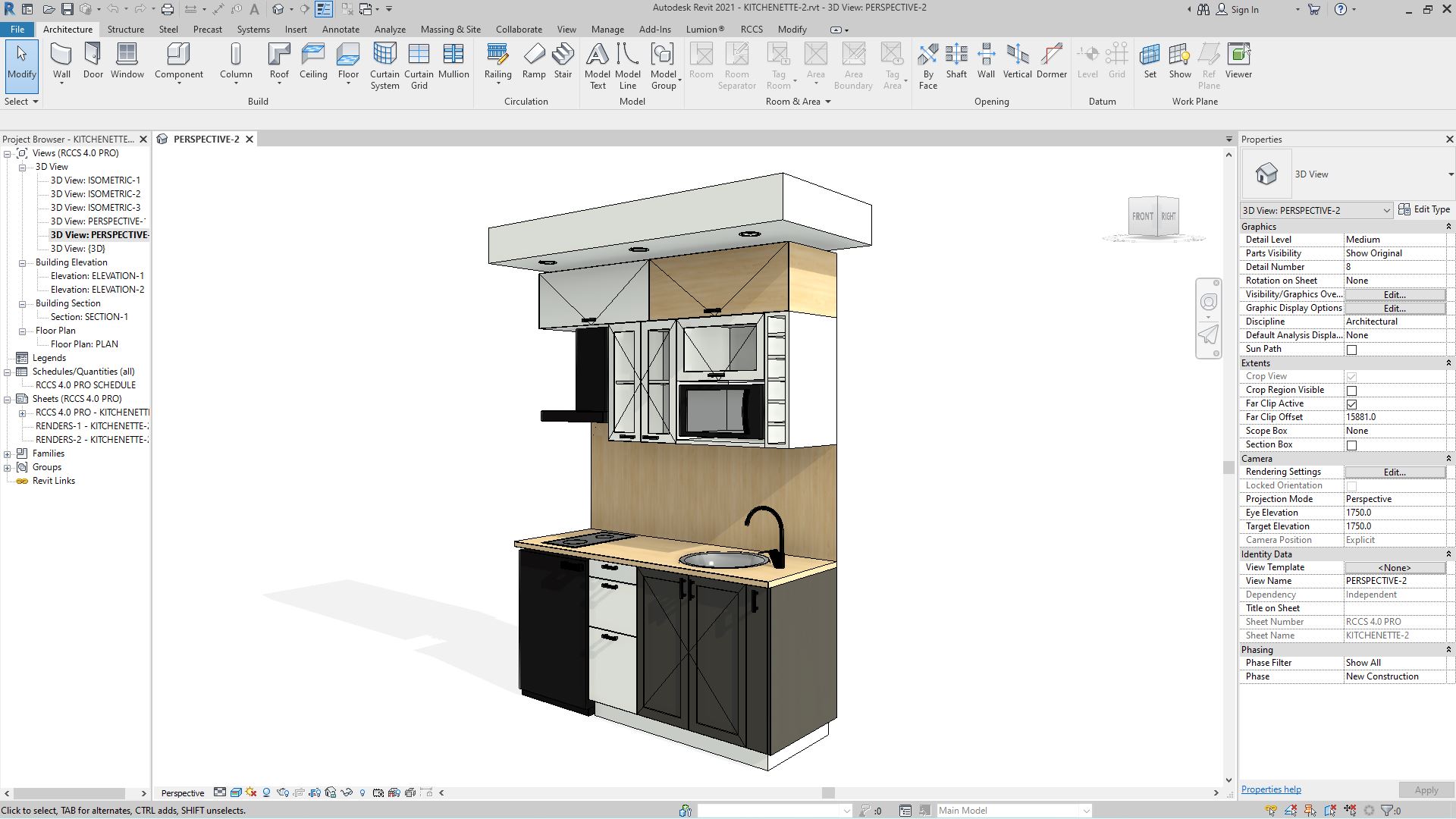
- Kitchens.
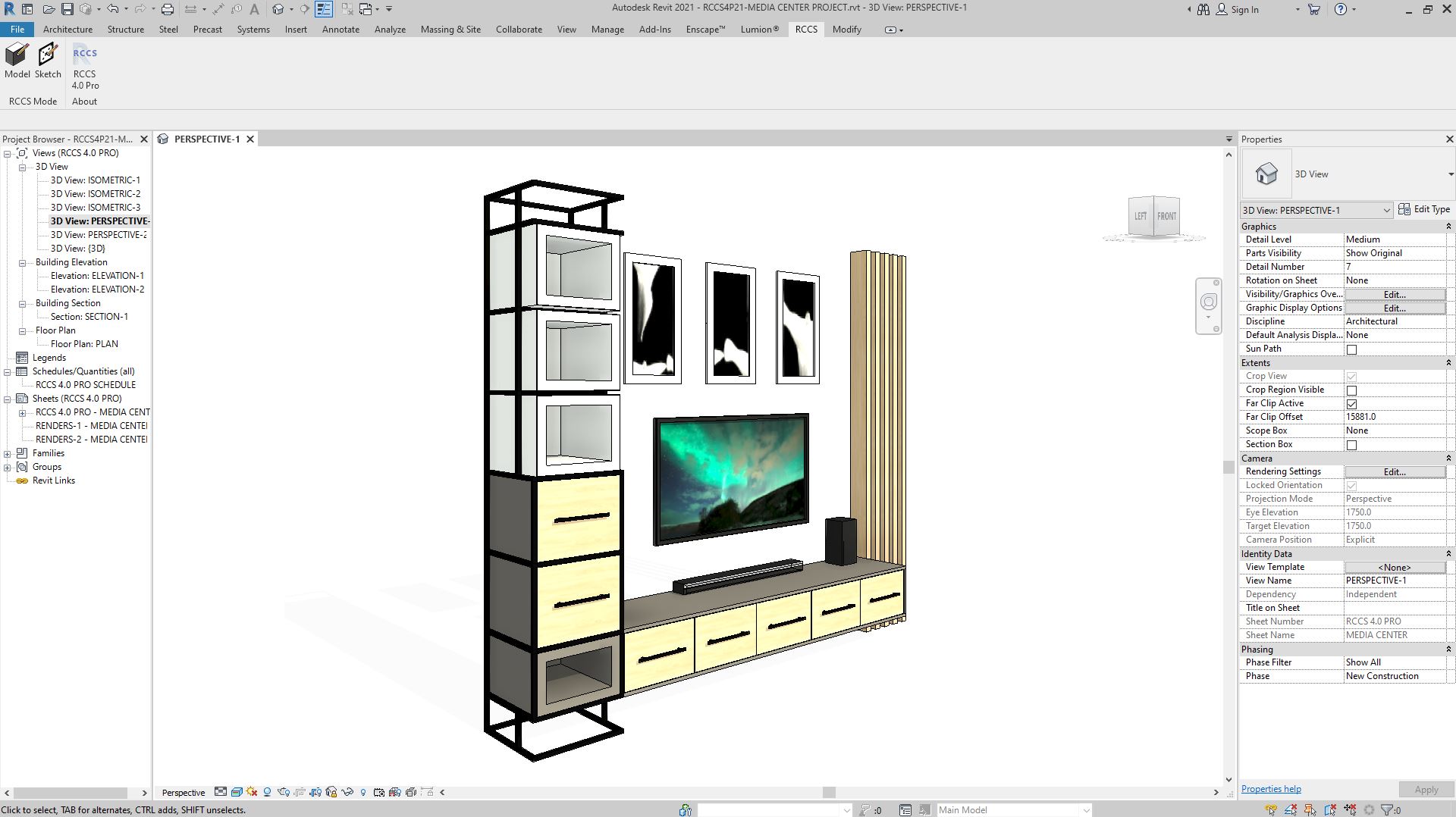
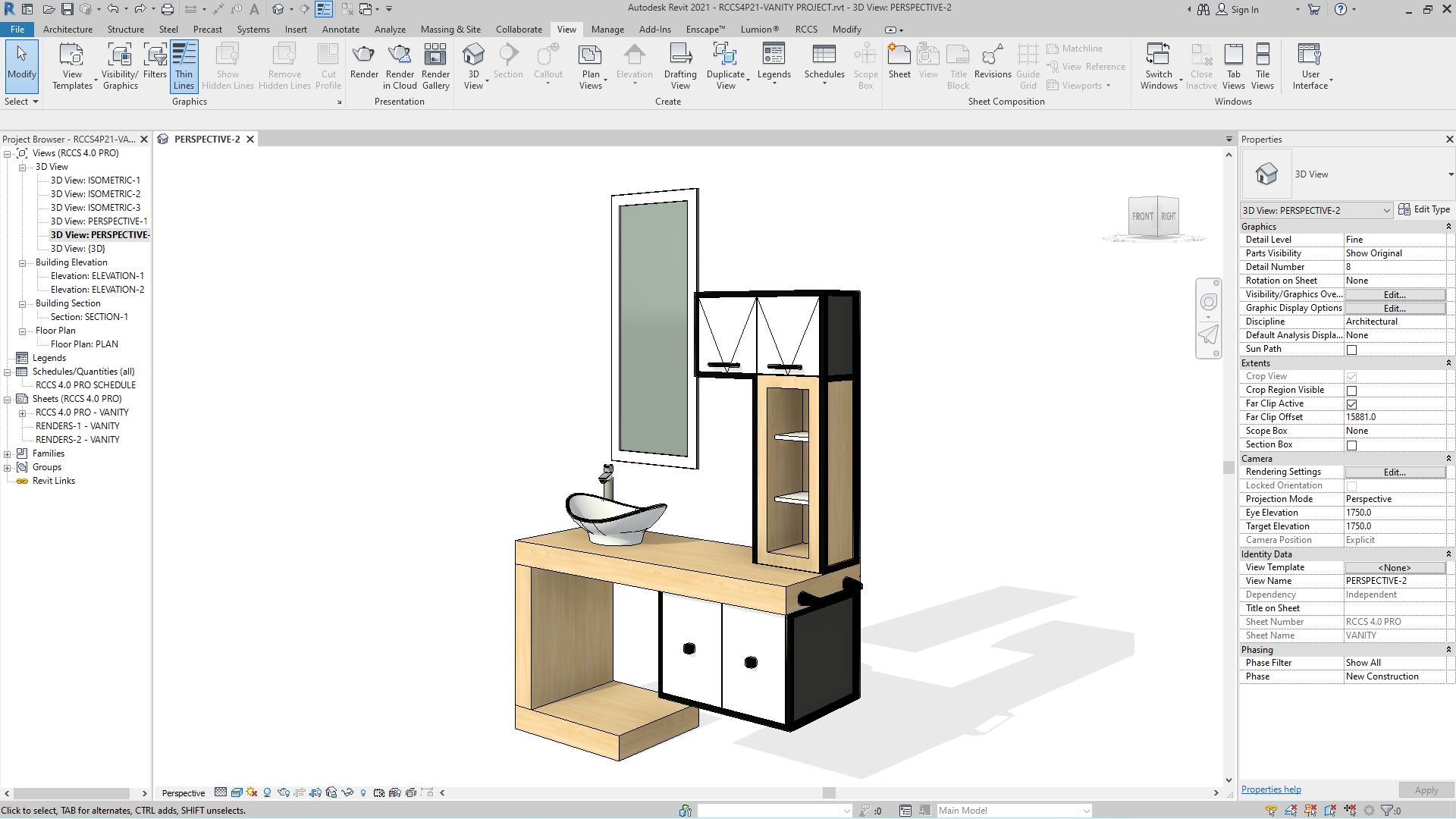
- General-purpose cabinetry.
- Shelving systems.
- Rack frame shelving systems.
Who is 123-Cabinetry for?
- Students and newcomers to Revit who want productive output on day one.
- Designers and architects who need to model and visualize modern cabinetry quickly without learning a complex toolset.
- Existing RCCS users looking for a faster alternative workflow to start a design before switching to Pro for detail work.
How 123-Cabinetry Works Under the Hood
Like all RCCS products, 123-Cabinetry integrates into Revit’s native curtain wall toolset. Each cabinetry component is hosted inside a curtain wall cell and maintains a direct parametric relationship to every adjacent component via the curtain grid system. Components morph between cabinetry types, framing, and appliance options without leaving the main Revit interface — keeping your design flow unbroken.
The difference between 123-Cabinetry and the full RCCS-27 Pro is scope, not architecture. 123-Cabinetry uses the same engine but exposes a simplified toolbar and AI-first workflow designed for speed and accessibility. When a project outgrows 123-Cabinetry’s feature set, you can convert it directly to RCCS-27 format and continue working with the full Pro toolset — no rebuild required.
123-CABINETRY 27 Use Cases:
- Complete kitchen designs
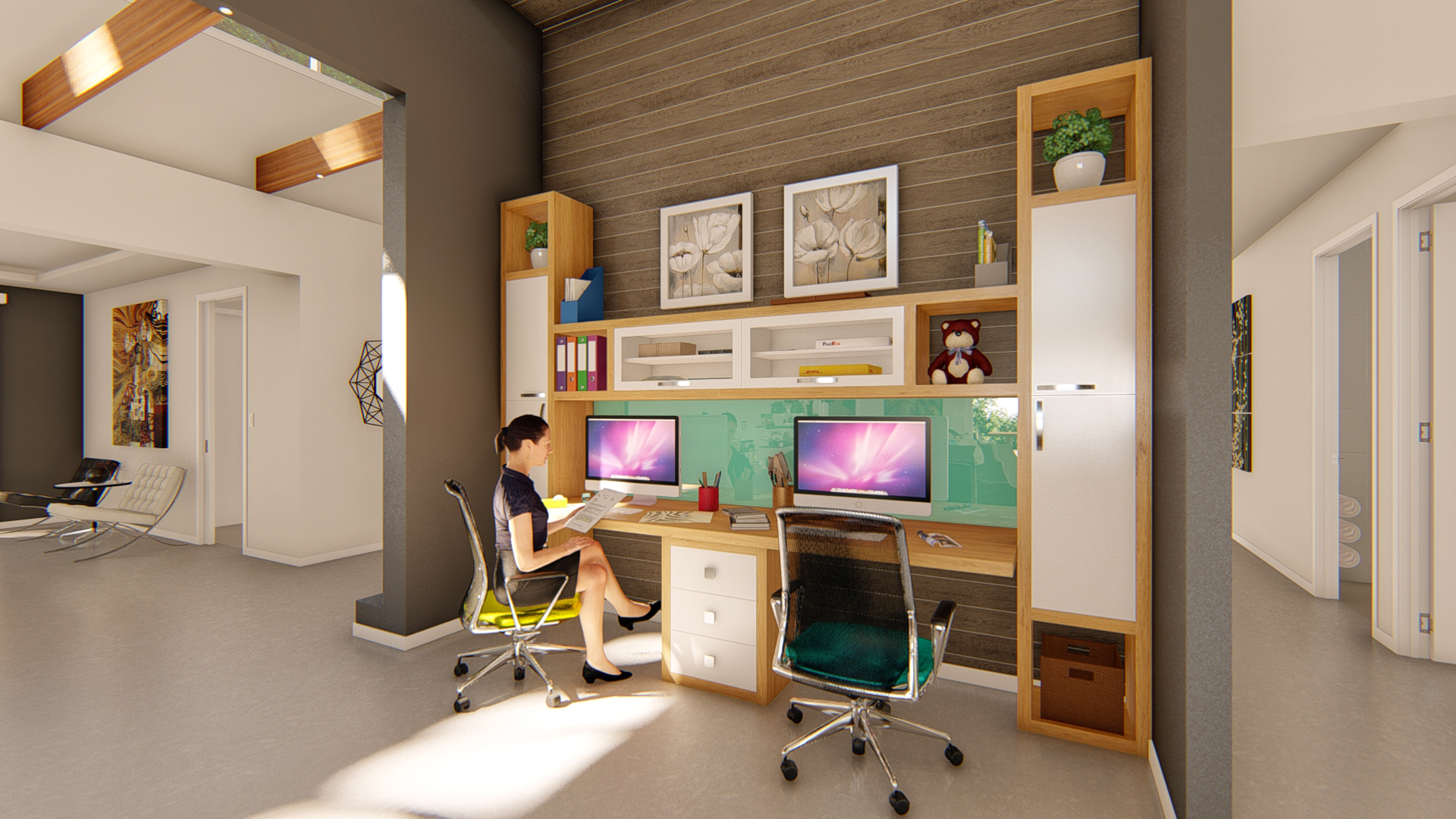
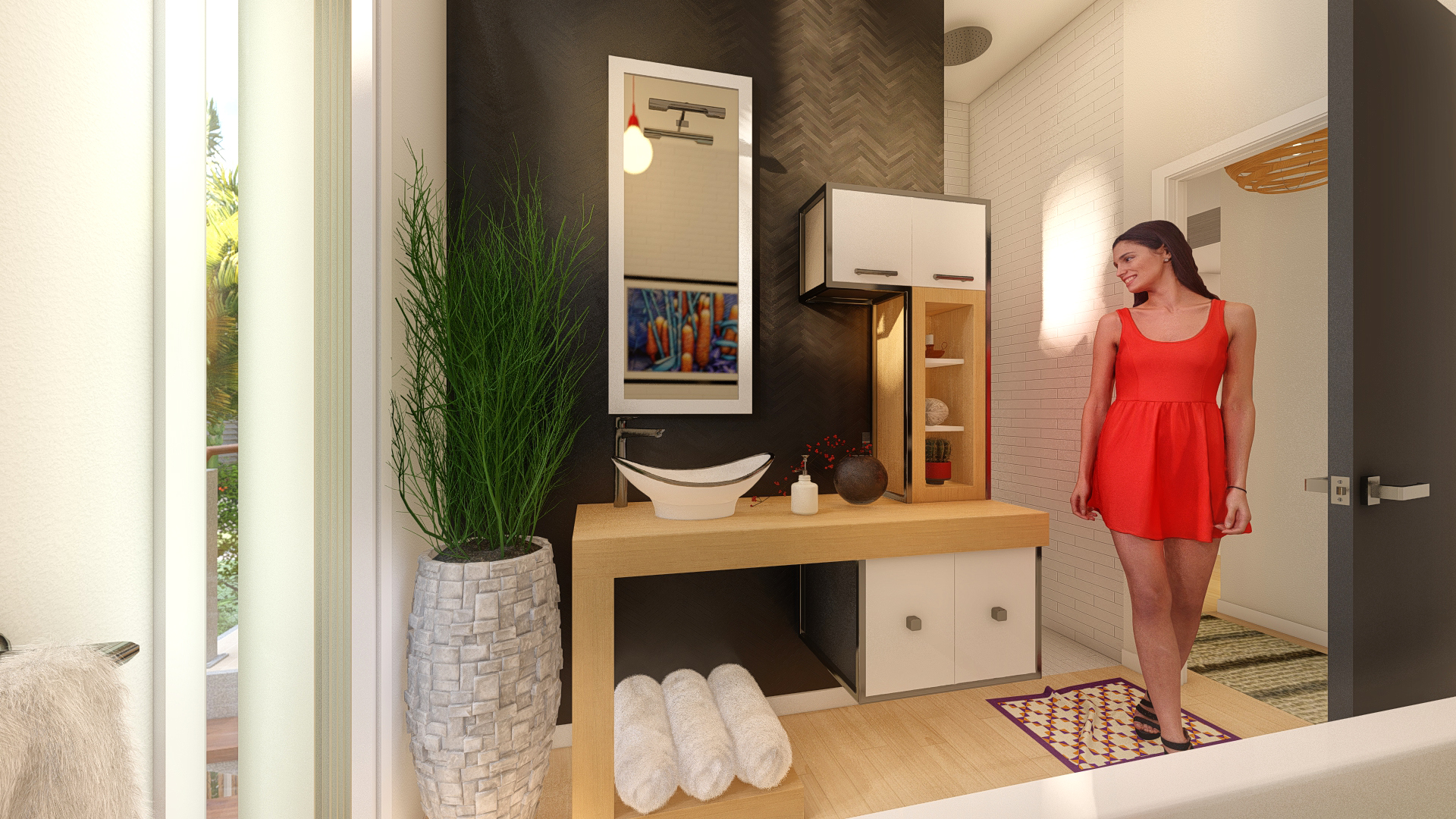
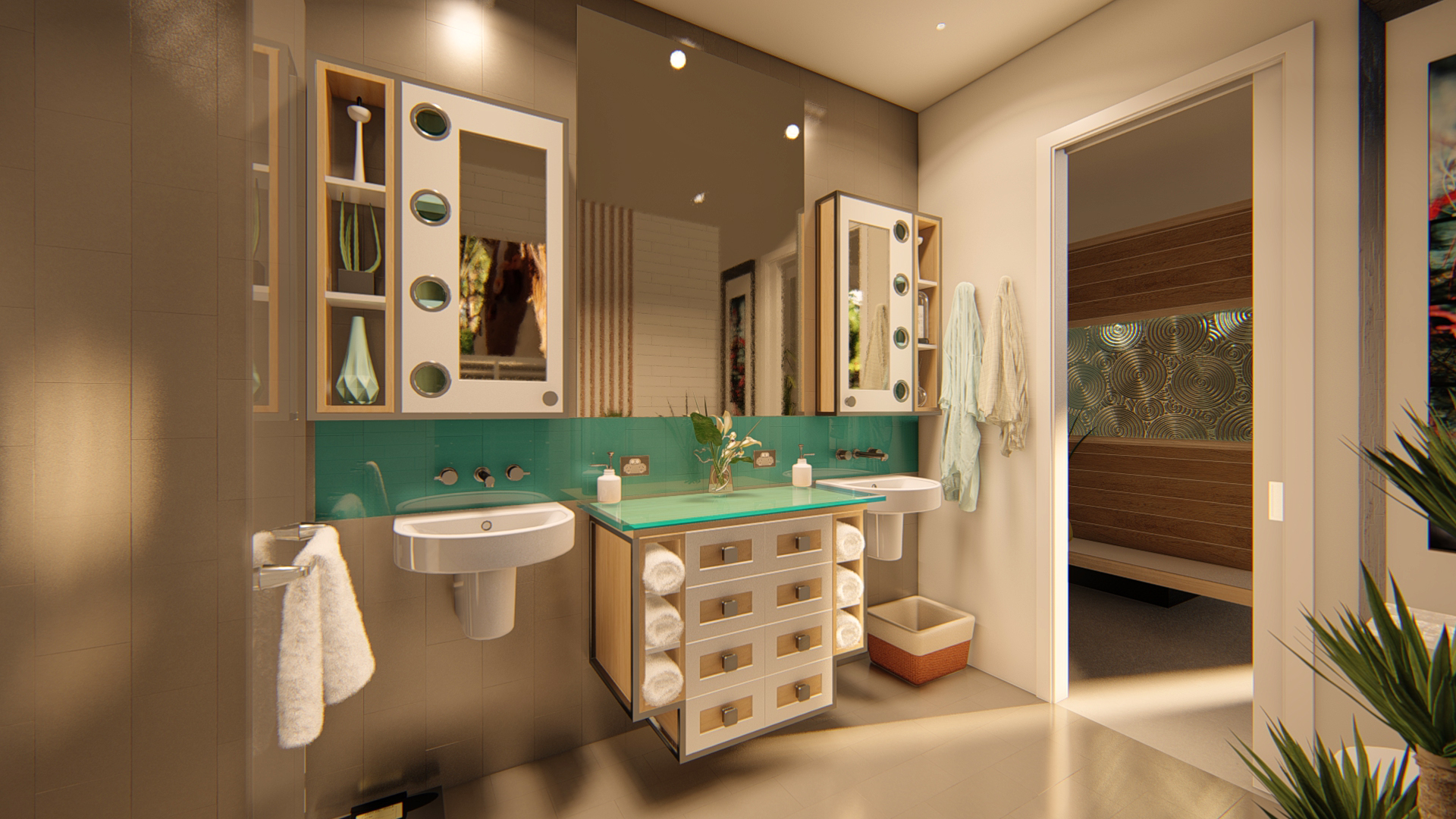
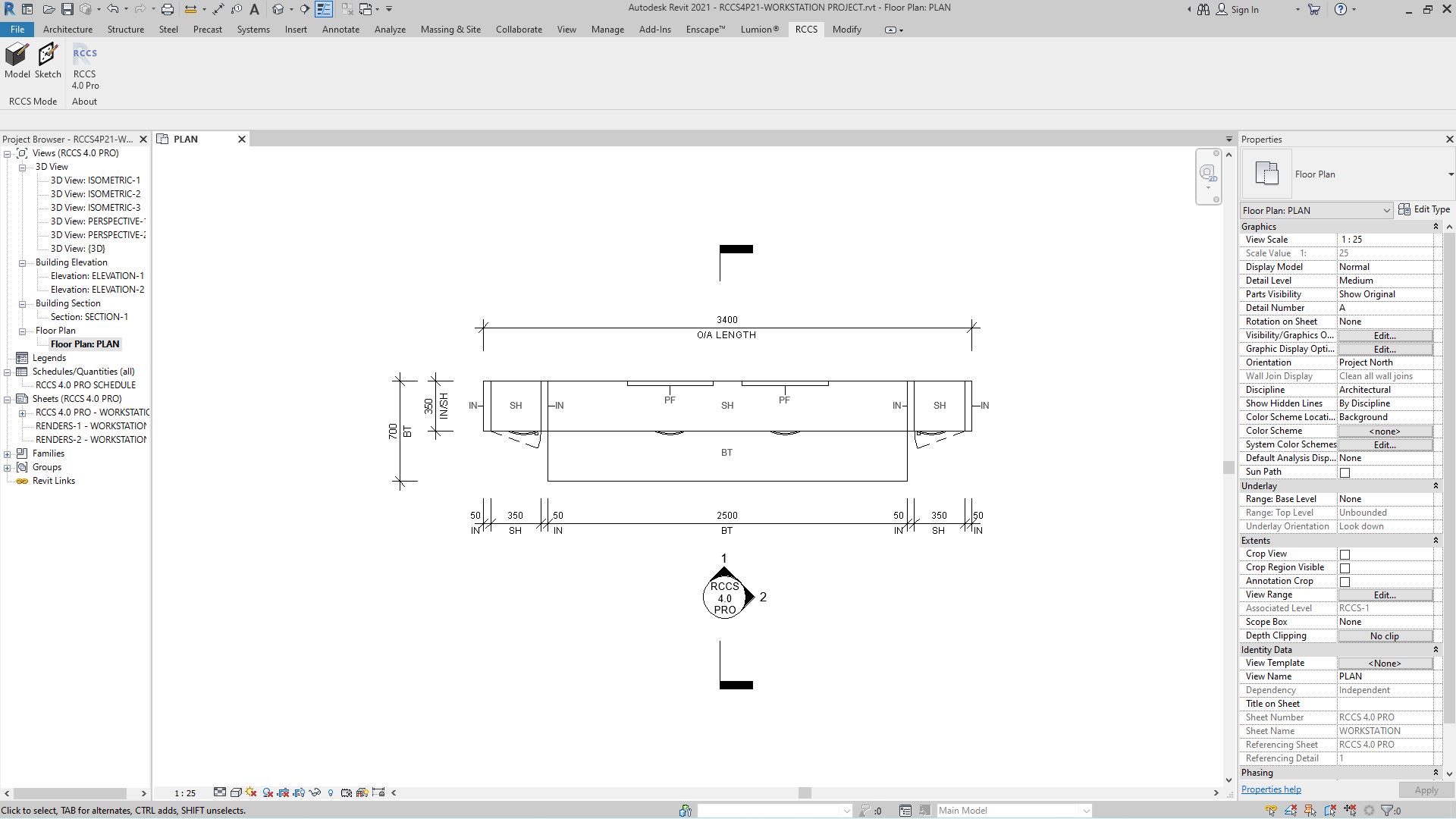
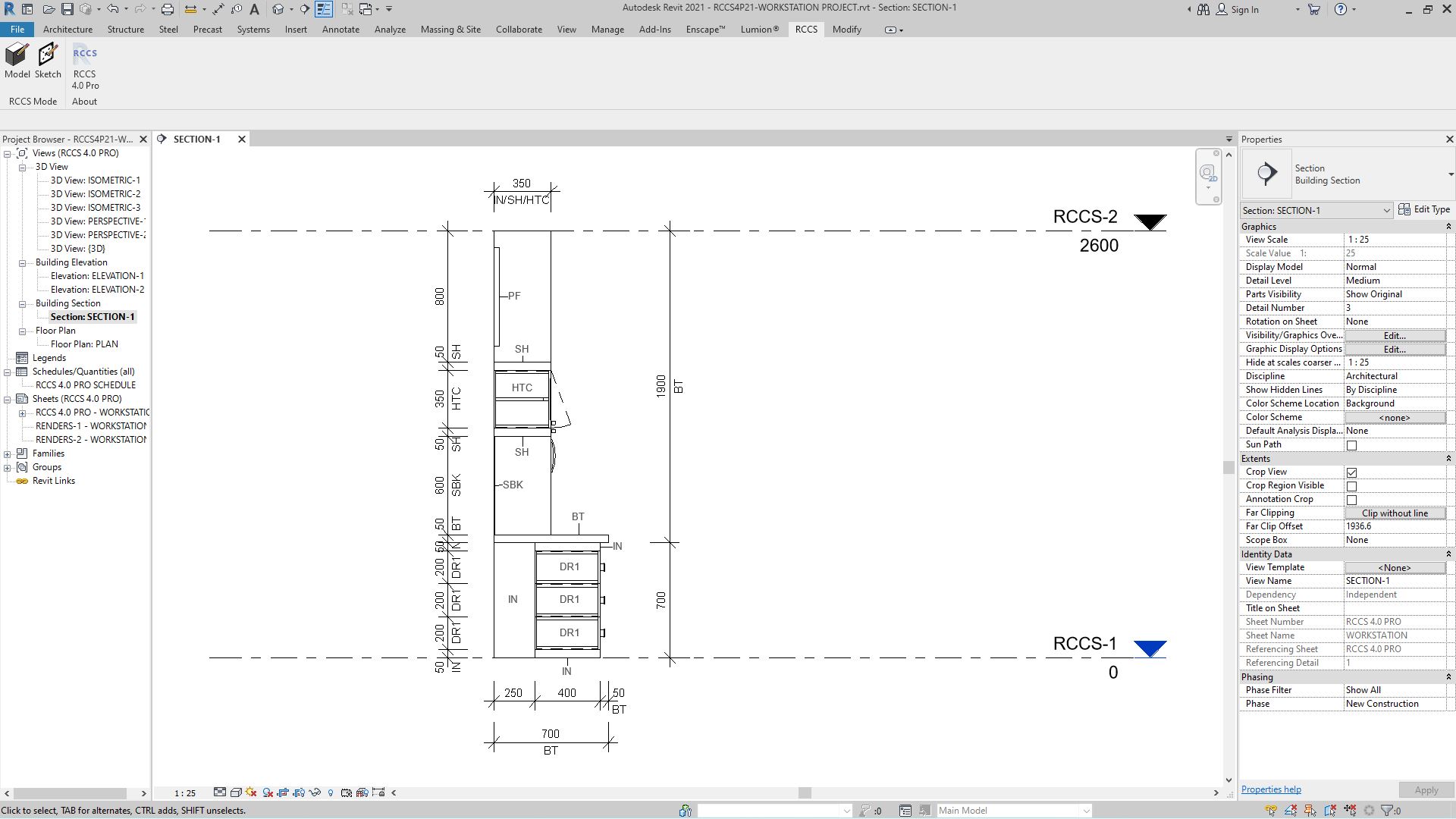
- Bathroom cupboards, vanities, shelving & mirrors
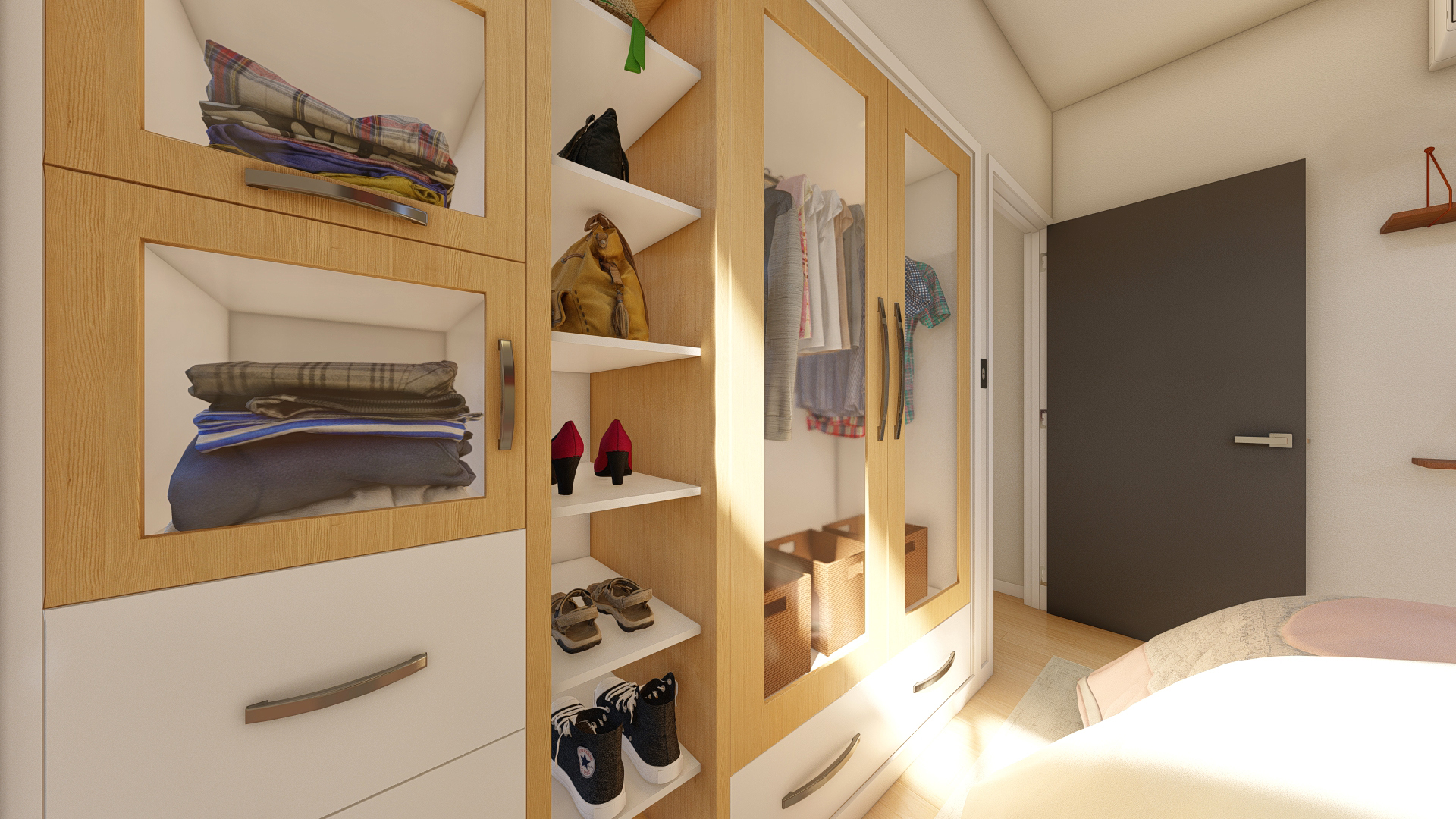
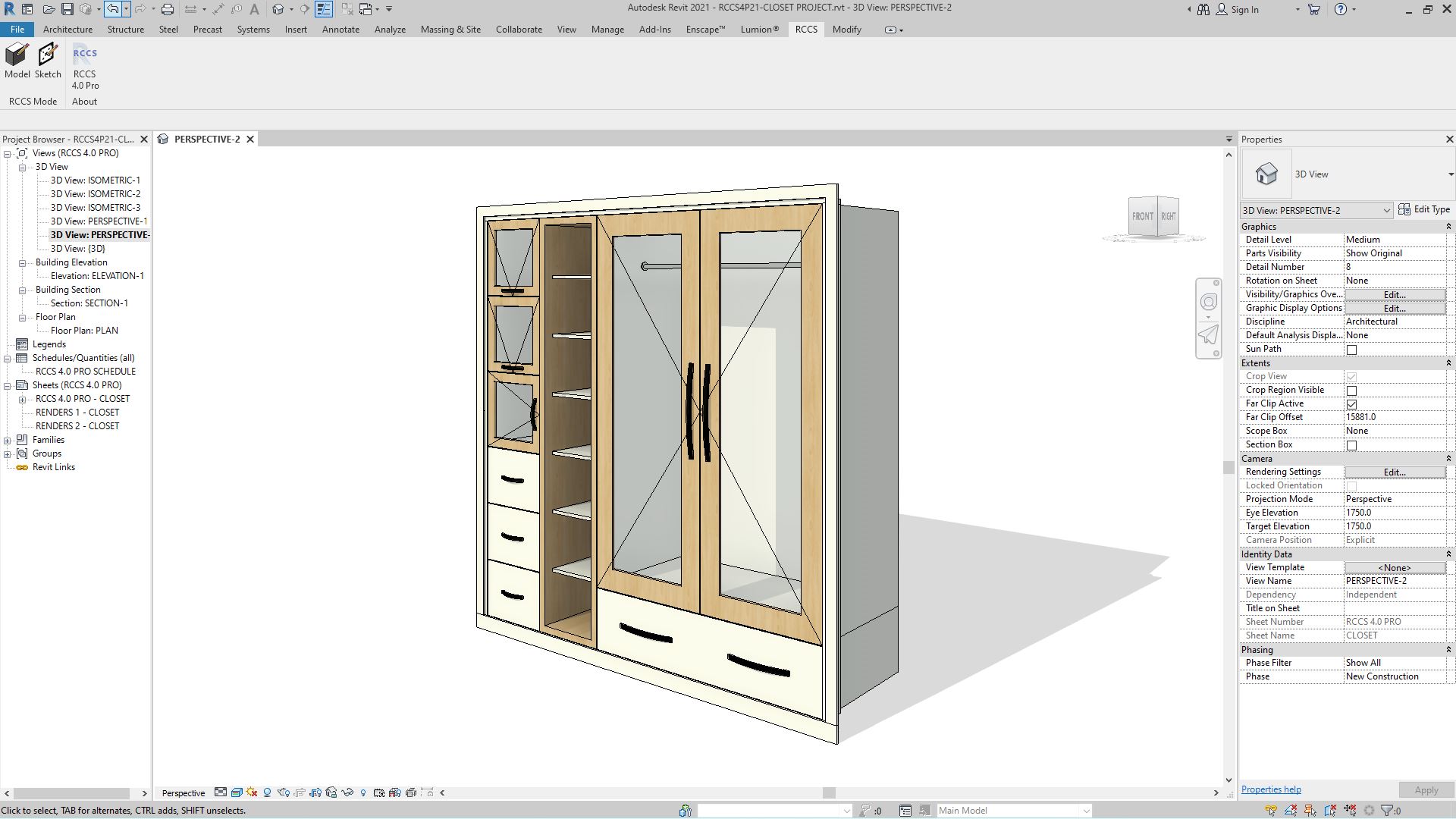
- Inbuilt & free-standing bedroom wardrobes & cupboards
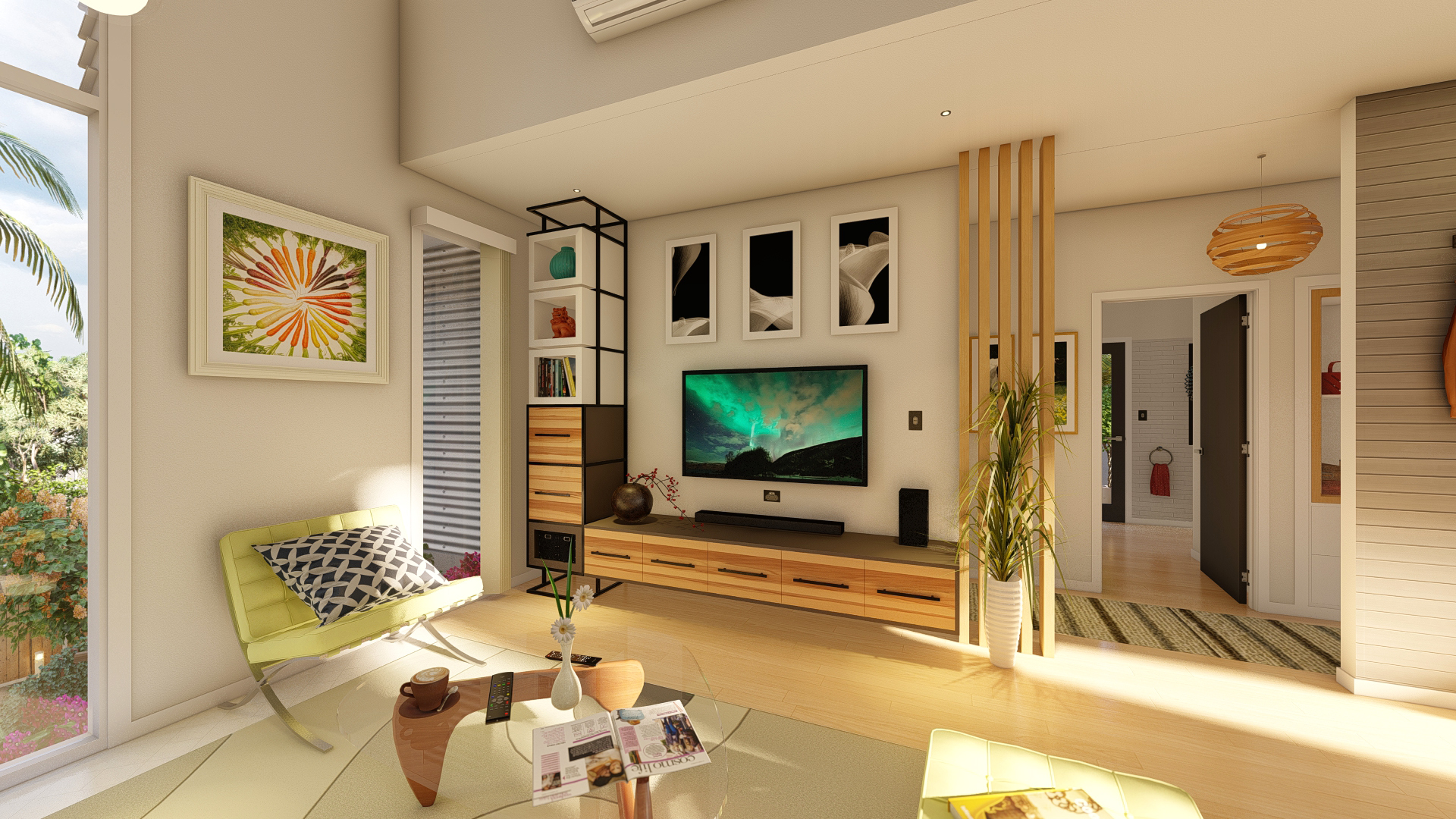
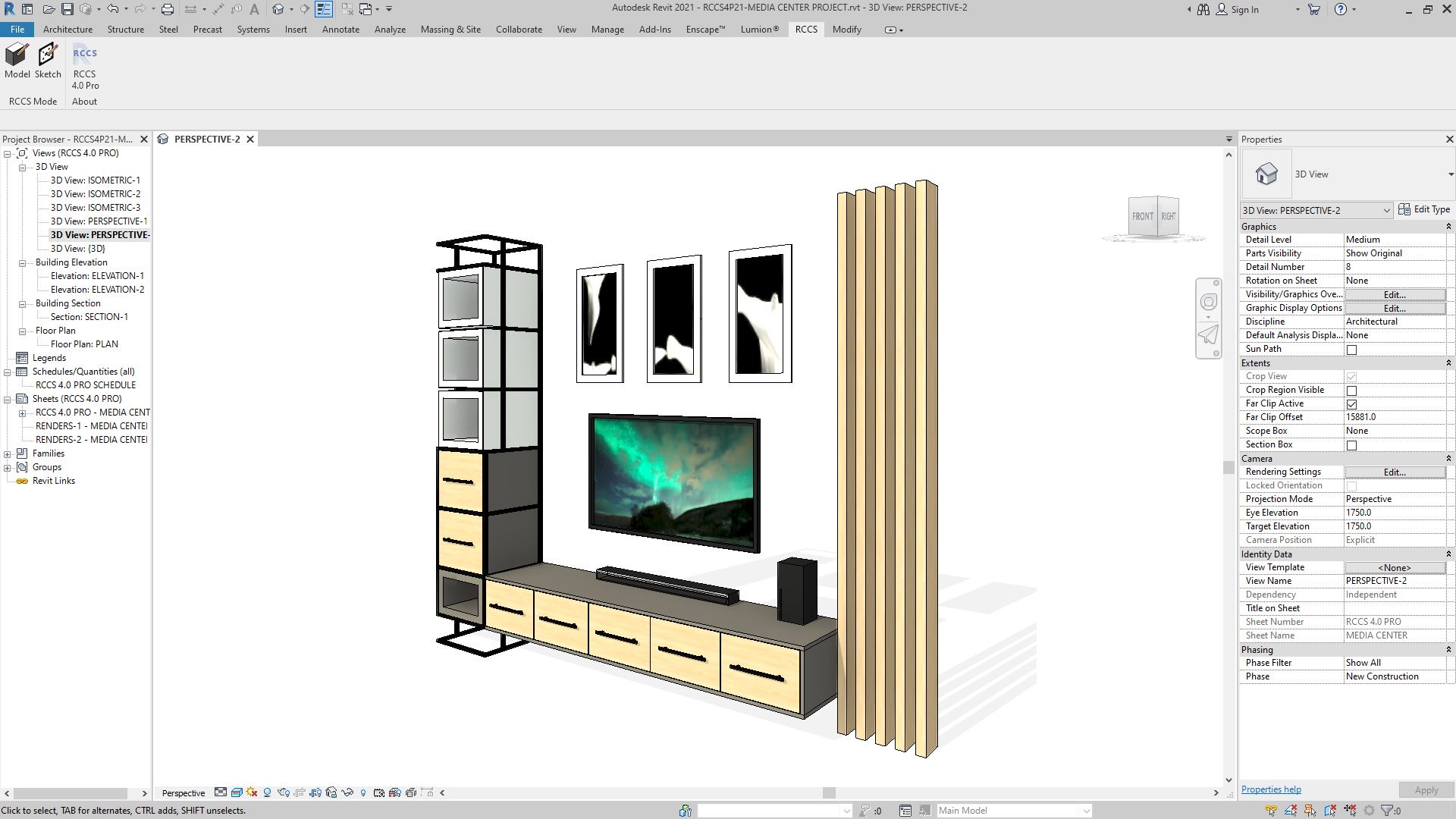
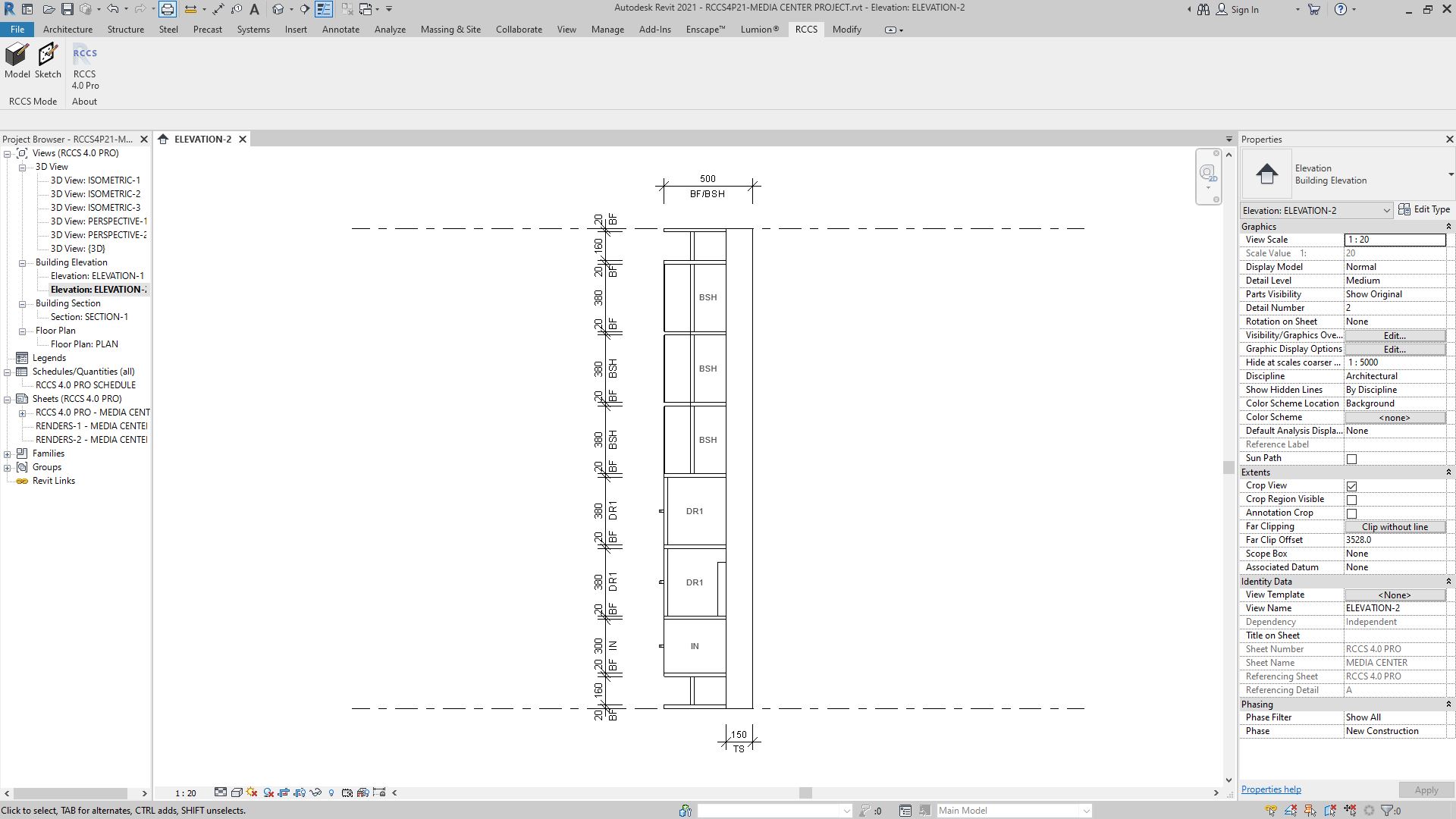
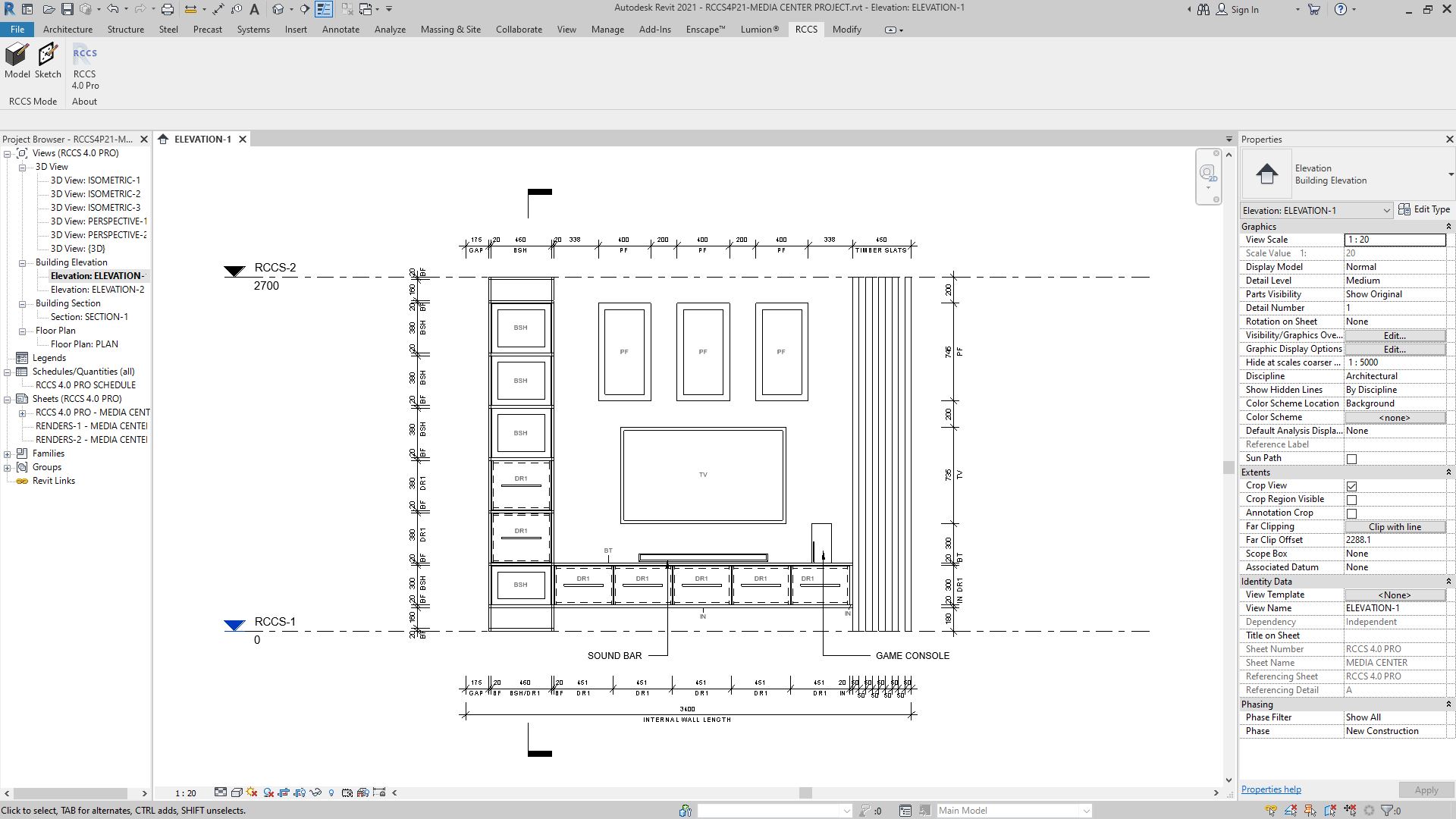
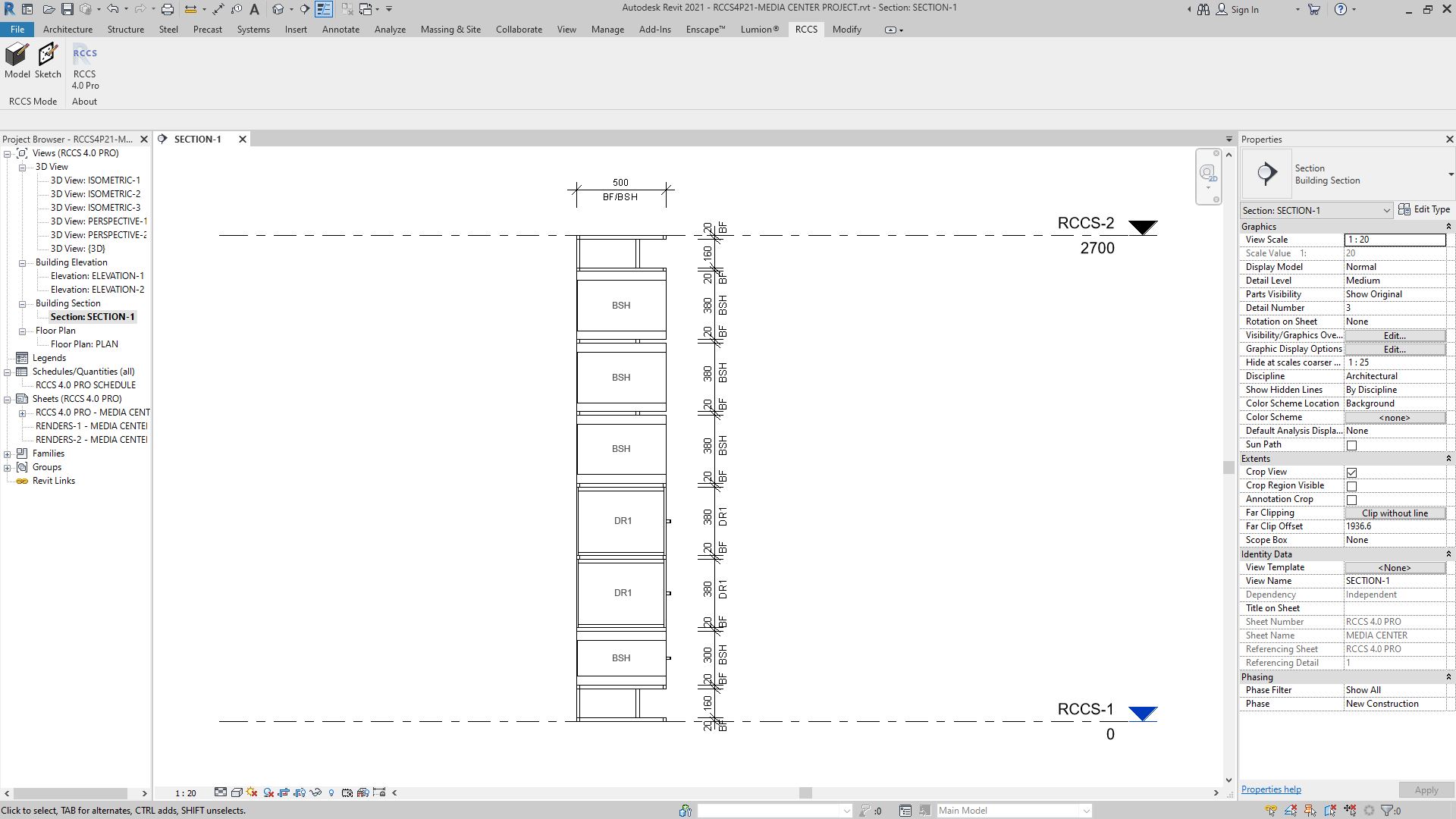
- Wall-mounted & free-standing TV entertainment storage systems
- Wall-mounted & freestanding shelving systems
- Wall-mounted & free-standing cupboard & storage systems
123-CABINETRY 27 files can be upgraded to RCCS-27 for full-feature editing and creation.
123-Cabinetry 27 Features:
- Introducing K3D Lite for animating any compatible Revit door, window, or generic model family!
- 4 x animation-ready K3D Lite sample doors to use in your Revit projects:
- 1 x K3D Lite swing door.
- 1 x K3D Lite pocket sliding door.
- 1 x K3D Lite pivot door.
- 1 x K3D Lite bifold x 3 door.
- K3D animation button for animating compatible Revit families.
- Enhanced “Make” AI system for more accurate cabinetry component prediction.
- Refreshed and rearranged toolbar UI for a smoother design workflow.
- New “Update” function for updating 123-Cabinetry 26 projects to 123-Cabinetry 27 format.
- Updated “Convert” function for converting 123-Cabinetry 27 projects to RCCS-27 format.
Need more design power? Upgrade to RCCS-27 Pro for 95 fully parametric handle types, 51 detail presets, the full HQ handle system, Cut-Out Shapes, Component Separator, and over 500 toolbar functions. Or step up to RCCS-27 Lite for a mid-range option with 110 toolbar functions and 10 parametric handle types.
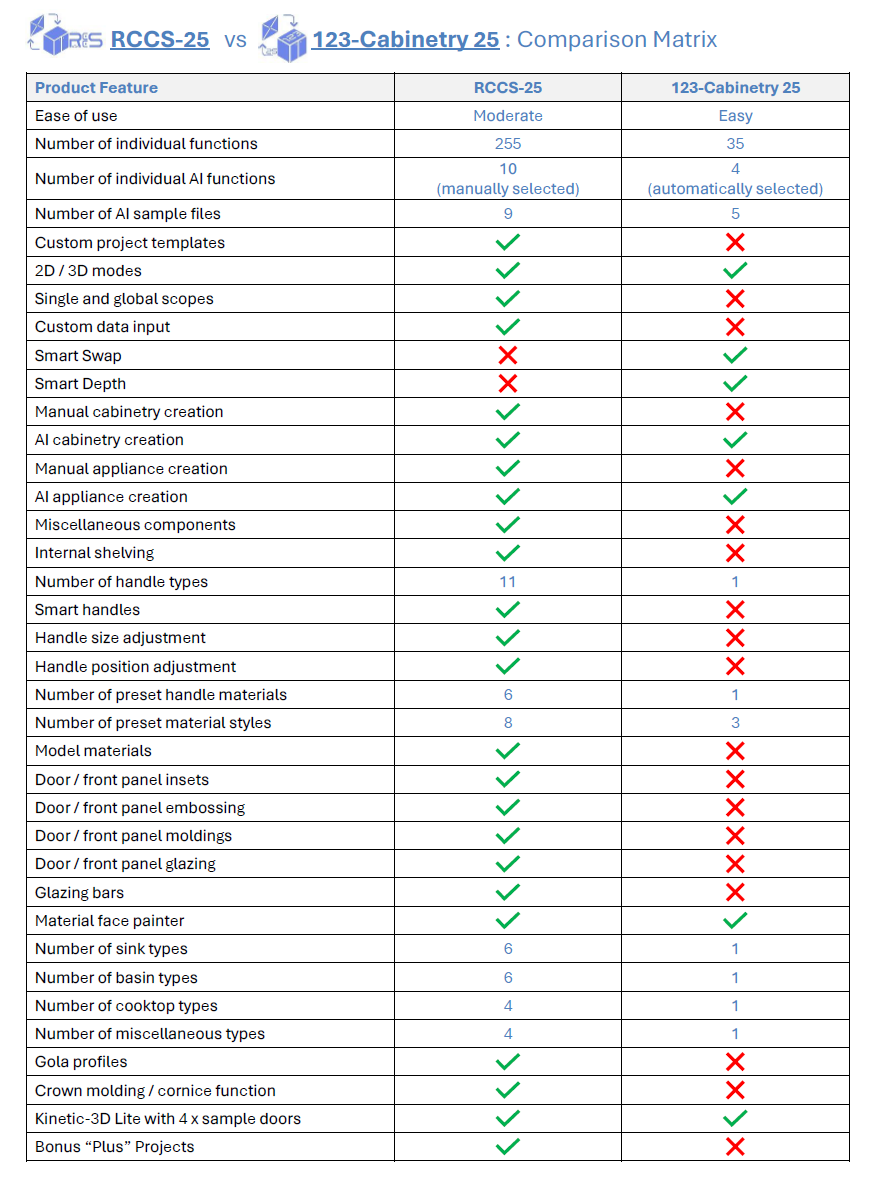
(123-Cabinetry 27 is compatible with Revit 2027 only)
Single license per machine. Please ensure you submit your registration code request from the computer that will run the software – licenses cannot be transferred without purchasing an additional license.
Only logged in customers who have purchased this product may leave a review.
Related products
-
Sale
RCCS-25 for REVIT 2025
Original price was: $399.00.$149.00Current price is: $149.00. -
Sale
RCCS-26 PRO for REVIT 2026
Original price was: $995.00.$199.00Current price is: $199.00. -
Sale
RCCS-24 for REVIT 2024 and Revit 2023
Original price was: $399.00.$149.00Current price is: $149.00.


Reviews
There are no reviews yet.